Accessing your gallery
How to access, view, and download your photos from Studio Voglino. Please reach out if you have any questions or need further guidance.
FIND YOUR GALLERY
Your direct link to your online gallery was sent to the email you provided us. You can also search for your gallery by going to our client page, or follow this link: Studio Voglino
If you are here from a community event, find your gallery here: Community
Once you select your online gallery, you will be prompted to enter your passoword

You can scroll down to see the available images to choose from

Here you can favorite, download, share, start a slideshow, or view our store

Once you click the download button, you will be prompted to enter your email. This does not sign you up for any email lists, it is just to verify downloads. When you are downloading on mobile, you will receive a confirmation email when your photos are ready to be viewed on your device

Next you will select the methods to which you would like to download the photos

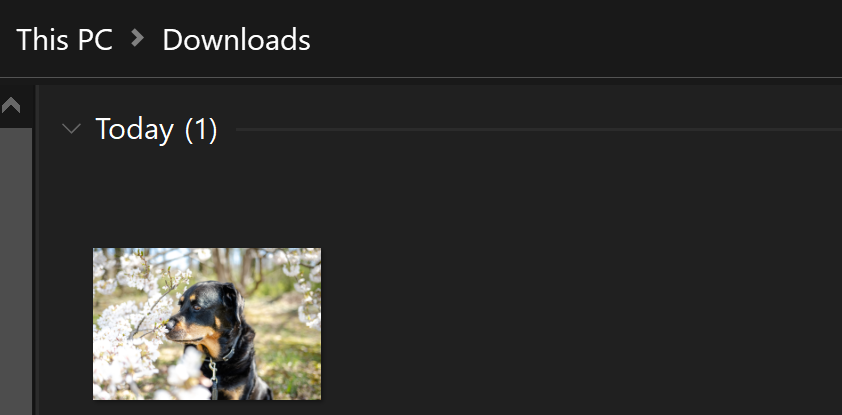
On desktop your photos will now be visible in your downloads folder, on a mobile device, you will follow the prompts received in your email
Thank you!